
This is the first of TrustVision's three layers. See how it connects to fraud prevention and transaction verification in the full TrustVision overview.
In this piece. Most onboarding drop-offs do not happen because a customer was rejected. It happens because a blurry photo or a bad angle returns a flat decline with no way to fix it. TrustVision's onboarding flow reads identity through three checks in a single capture, and is built to give the customer a second try before it gives up on them.
The moment before the drop-off
A customer opens your app to sign up. They photograph an ID, take a selfie, and wait. If the lighting is bad, the ID is tilted, or they grabbed the wrong document, most systems return a flat decline, often with no explanation of what went wrong. The customer does not retry. They close the app and try a competitor's onboarding instead.
That moment, the one right before a customer gives up, is where TrustVision's onboarding checks are built to work.
What Trust Vision Identity verification actually reads
TrustVision verifies identity through three checks, in order, run on the same ID and selfie a customer submits once:
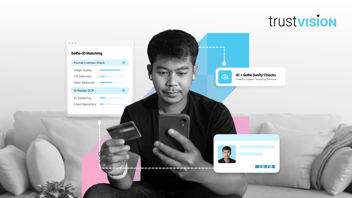
1. Selfie and ID image sanity checks. Before anything else runs, the system confirms the images are usable. It flags blur, poor lighting, tilt, more than one card in frame, the wrong ID type, or a photocopy instead of the original, and prompts a retake instead of a silent decline.
2. ID reader (OCR). The system reads and extracts data across 10 Philippine government IDs: Driver's License, Passport, UMID, PhilSys/National ID, SSS, PRC, TIN, Pag-IBIG, PhilHealth, and Postal ID. It separates first, middle, and last name automatically, hits 99% accuracy reading ID numbers off a Driver's License, and auto-populates the application form.
3. Liveness check. The system confirms a real person is present, not a photo, a video replay, or a screen held up to the camera. Its Edge Liveness method, a gesture-based approach built to feel like a passive check, is certified to ISO 30107-3 Biometric Presentation Attack Detection, Level 2. Active and passive liveness modes are also available depending on how much friction the flow can afford.
4. Selfie check. Once the system knows the person is live and the ID is genuine, it compares the selfie against the photo printed on the ID to confirm they're the same person. This is what catches a stolen or borrowed ID, a photo swapped onto someone else's document, or a submission where the selfie and the ID simply don't match, before the application ever reaches underwriting.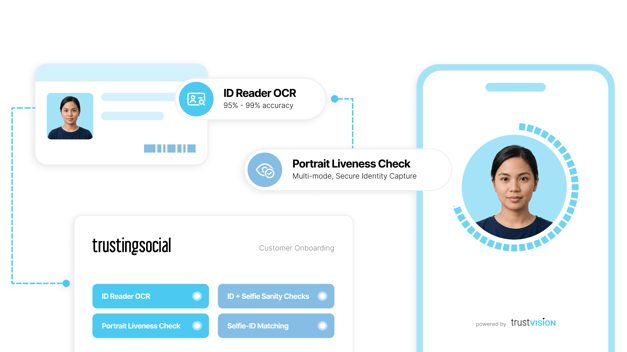
TrustVision calls this bucket "solving identity verification," and it is deliberately the first thing that runs, before any fraud-specific check. The goal at this stage is not to catch a fraudster. It is to make sure a genuine customer's application does not die on a technicality.
All three checks run inside a single API call. Nothing here asks the customer for an extra step.
Why a retake prompt beats a decline
The difference between "your photo did not meet quality requirements, please retake" and a flat rejection is the difference between a completed application and an abandoned one. TrustVision's sanity checks exist specifically to sort "this image needs a retake" from "this application should be declined," a distinction most legacy OCR pipelines do not make. That distinction is a meaningful share of what keeps conversion at 85% in production.
How it fits your stack
TrustVision connects through a single API into the onboarding or origination flow you already run. Institutions that want a low-code path can use the TrustCentral dashboard instead of building custom integration. Both SaaS and on-premise deployment are supported, and the SDK is built lean enough to perform on lower-end devices, with data compression techniques designed for exactly that, which matters given how much onboarding traffic in the Philippines still comes through entry-level phones and inconsistent mobile data.
TrustVision connects through a single API into the onboarding or origination flow you already run. Institutions that want a low-code path can use the TrustCentral dashboard instead of building custom integration. Both SaaS and on-premise deployment are supported, and the SDK is built lean enough to perform on lower-end devices, with data compression techniques designed for exactly that, which matters given how much onboarding traffic in the Philippines still comes through entry-level phones and inconsistent mobile data.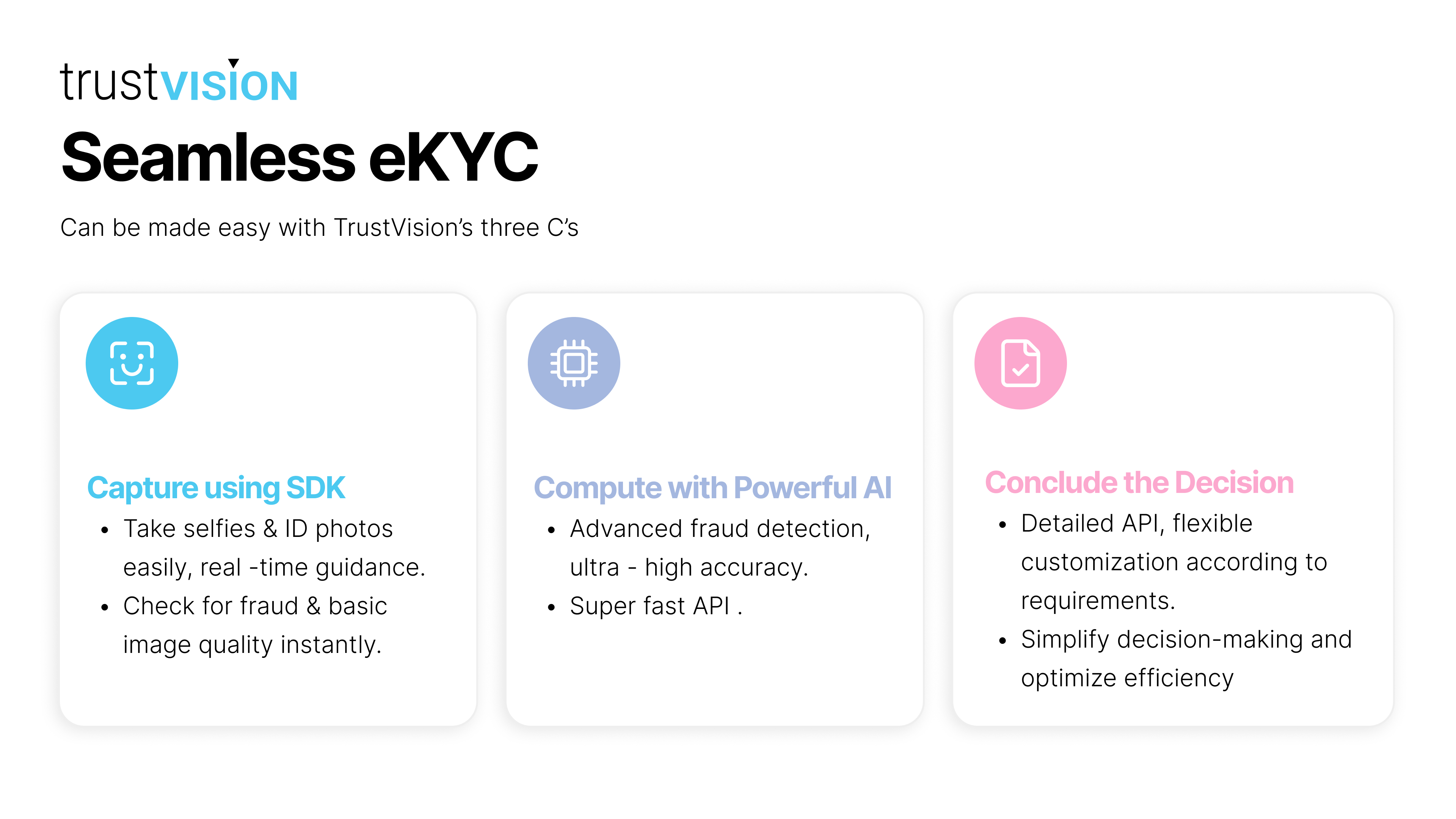
What it looks like in the field
Deployment scale has held up under real production load, with the highest single-day traffic and Dec 2024 as the platform's busiest month to date. The QA process behind these numbers is manual as well as automated: every week, the team pulls 1,000 random cards and portraits that failed processing and routes them to the AI team for review, since shifts in field conditions (lighting, device quality, how an agent is capturing the image) show up in the failure data before they show up anywhere else.
What this layer is, and what it isn't
It is identity verification: confirming a real person is applying, reading their ID correctly, and giving a legitimate customer every chance to get through.
It stops there on purpose. Catching a tampered ID, or a face already on file under another name, belongs to fraud prevention. Deciding whether this customer gets the loan belongs to your credit model. TrustVision - hands each question to the layer built to answer it.
What TrustVision is, and what it isn't
It is a combined eKYC, fraud prevention, and transaction authentication platform, built on one biometric capture and one registered face, deployable through a single API.
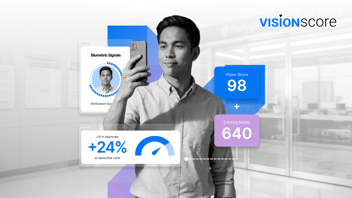
It is not a credit scoring tool. Whether a customer is a good credit risk is a separate question, one that TrustInsight products like Vision Score are built to answer using an entirely different kind of signal from a different point in the lending process.
The bottom line
Most lenders lose more customers to a bad photo than to actual fraud. TrustVision's onboarding checks are built to protect the first, so the fraud layer can focus on the second.